

Trouver un prestataire
ou un artisan
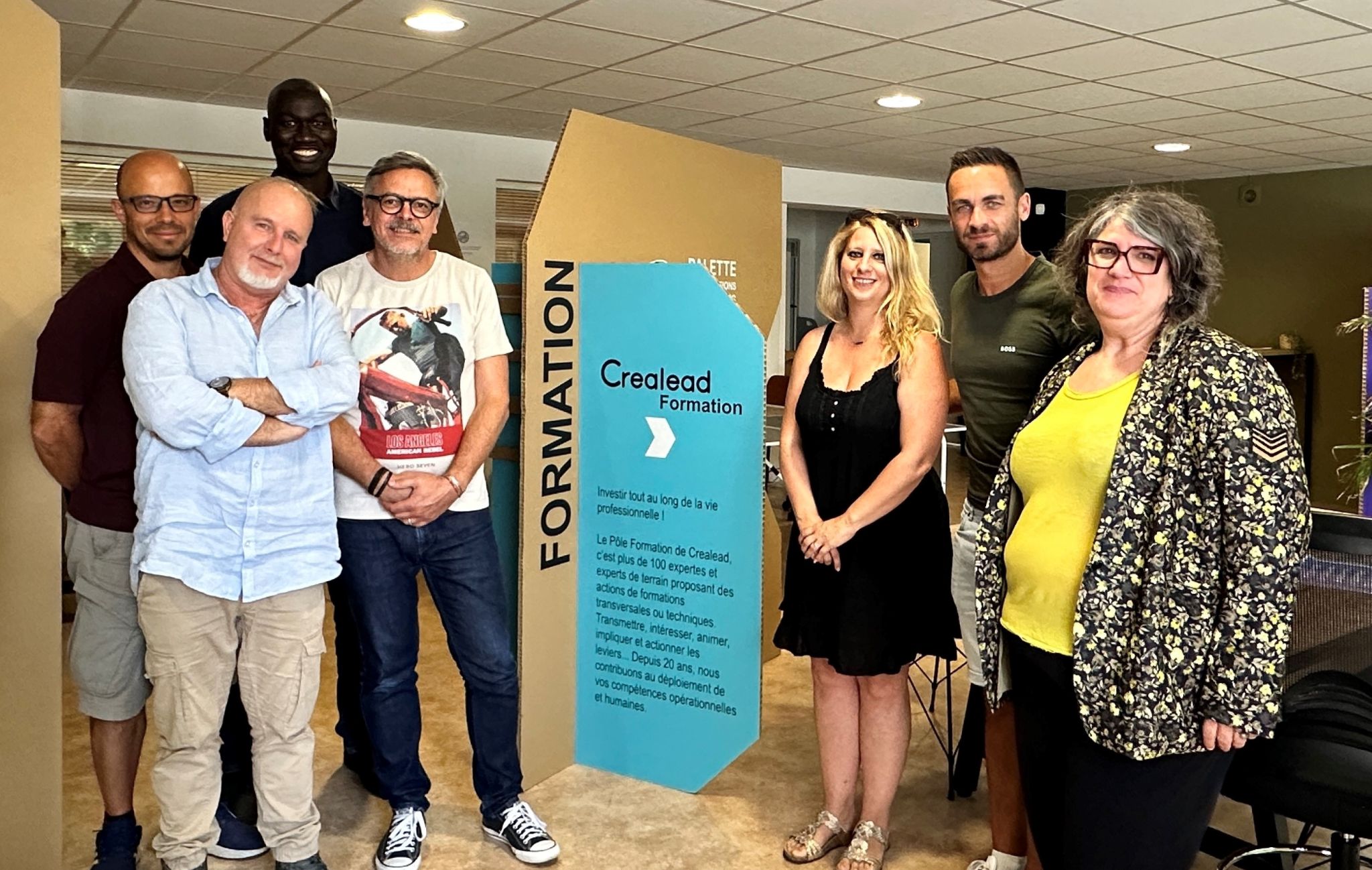
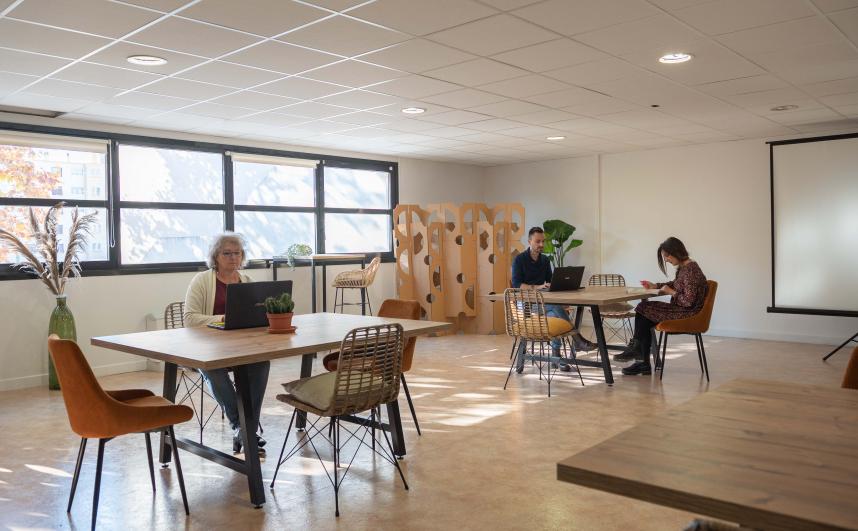
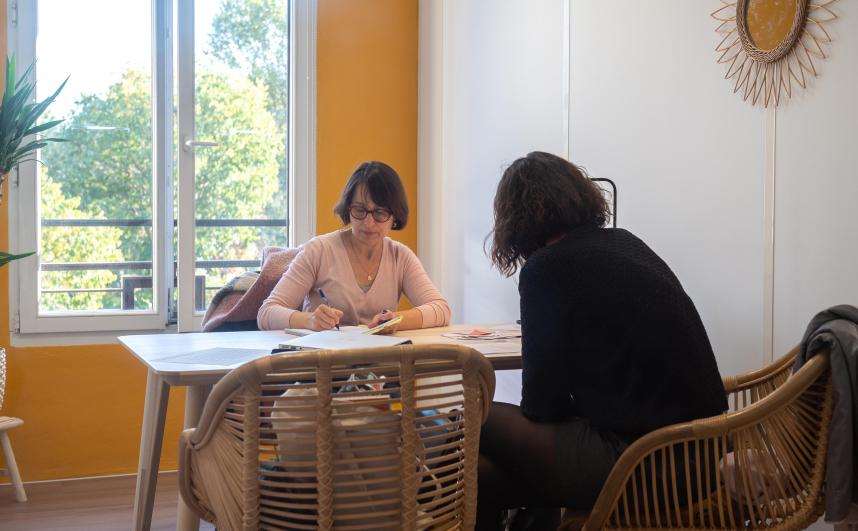
C'est une entreprise partagée par des co-entrepreneurs qui mutualisent ressources et services pour offrir à nos clients la proximité et une grande diversité de compétences
280
Co-entrepreneurs
et autant de compétences complémentaires
16
Membres
d’une équipe support pour accompagner et gérer
42
Intervenants
en formations, animations et prestations.
161
Rencontres par an
organisées pour échanger et travailler ensemble.
Statut protecteurs
Entrepreneur-salarié en activité ou créateur en contrat CAPE, les statuts en CAE vous garantissent une protection sociale complète.
Simplicité administrative
Gestion et assistance juridique : comptabilité, contrats, devis, impayés, assurance RCPro, décennale, ne soyez plus seul à faire face ! C’est plus de temps pour vos clients !
Ressources commerciales mutualisées
Réponses groupées aux appels d’offres et aux salons, marques collectives par secteur, mini site internet inclus.
Professionnalisation
Accès à un système d’échanges de compétences et de services entre co-entrepreneurs, labellisation RGE pour les artisans, accompagnement individuel.
Réseau partenarial structuré
Nombreuses rencontres réseau conviviales organisées pour échanger et trouver des fournisseurs, partenaires et clients au sein de Crealead et à l’extérieur.
Devenez
co-entrepreneur
Entrepreneur-salarié en activité ou créateur en contrat CAPE, les statuts en CAE vous garantissent une protection sociale complète.


Découvrez l'offre des co-entrepreneurs
Un réseau dense de co-entrepreneurs aux compétences complémentaires pour répondre à vos besoins, la proximité et la flexibilité d’entrepreneurs individuels en plus.
Proximité et flexibilité
Un réseau dense de co-entrepreneurs aux compétences complémentaires pour répondre à vos besoins, la proximité et la flexibilité d’entrepreneurs individuels en plus.
Pérennité
Une structure coopérative pérenne et solide qui vous garantit la continuité de son offre de service.
Garanties
Respect des obligations légales, assurances RC Pro et décennale, démarche Qualité, labellisation artisans et formateurs.
Simplicité
Faites appel à plusieurs co-entrepreneurs en mode projet et gagnez en simplicité : un coordinateur unique, une facturation centralisée.
Professionnalisme
Des co-entrepreneurs sélectionnés sur leurs compétences métiers, bénéficiant de formations et d’échanges avec leurs pairs sur les bonnes pratiques de leur métier.




Actualités

Guide to Creating a Website
Creating a website can seem intimidating, but with the right tools and resources, it can be a straightforward and rewarding process. Whether you are creating a website for your personal brand or for your business, there are a few key steps to follow to ensure that your website is professional, functional, and effective.
Determine your purpose and target audience
Before you start creating your website, it is important to consider the purpose of your website and who your target audience is. This will help guide the design and content of your website, and ensure that it is tailored to your specific needs and goals.
Choose a domain name
Your domain name is your website's address, and it is important to choose a domain name that is memorable, easy to spell, and relevant to your brand or business.
Design and structure your website
The design and structure of your website should be visually appealing and easy to navigate. This includes choosing a layout, color scheme, and fonts that reflect your brand and aesthetic. It is also important to consider the hierarchy and organization of your content, as this will help guide visitors through your website and highlight the most important information.
Populate your website with content
Your website's content should be engaging, informative, and relevant to your target audience. This can include text, images, videos, and other multimedia elements. It is important to regularly update your website with fresh and relevant content to keep visitors engaged and coming back for more.
Test and optimize your website
Before launching your website, it is important to thoroughly test it to ensure that it is functioning properly. This includes testing the layout, links, and other elements to ensure that they are working as intended. You should also optimize your website for search engines to improve its visibility and ranking in search results.
Creating a website can seem daunting, but by following these steps and using the right resources, you can create a professional and effective website that helps you achieve your goals and connect with your target audience
January 12, 2022

Starting Career in Design
As the internet continues to develop and grow exponentially, jobs related to the industry do too, particularly those that relate to web design and development. The prediction is that by 2029, the job outlook for these two fields will grow by 8%—significantly faster than average. Whether you’re seeking salaried employment or aiming to work in a freelance capacity, a career in web design can offer a variety of employment arrangements, competitive salaries, and opportunities to utilize both technical and creative skill sets.
What does a career in web design involve?
A career in website design can involve the design, creation, and coding of a range of website types. Other tasks will typically include liaising with clients and discussing website specifications, incorporating feedback, working on graphic design and image editing, and enabling multimedia features such as audio and video. Requiring a range of creative and technical skills, web designers may be involved in work across a range of industries, including software companies, IT consultancies, web design companies, corporate organizations, and more. In contrast with web developers, web designers tend to play a more creative role, crafting the overall vision and design of a site, and determining how to best incorporate the necessary functionality. However, there can be significant overlap between the roles.
Full-stack, back-end, and front-end web development
The U.S. Bureau of Labor Statistics (BLS) Occupational Outlook Handbook tends to group web developers and digital designers into one category. However, they define them separately, stating that web developers create and maintain websites and are responsible for the technical aspects including performance and capacity. Web or digital designers, on the other hand, are responsible for the look and functionality of websites and interfaces. They develop, create, and test the layout, functions, and navigation for usability. Web developers can focus on the back-end, front-end, or full-stack development, and typically utilize a range of programming languages, libraries, and frameworks to do so. Web designers may work more closely with front-end engineers to establish the user-end functionality and appearance of a site.
Are web designers in demand in 2022?
In our ever-increasingly digital environment, there is a constant need for websites—and therefore for web designers and developers. With 17.4 billion websites in existence as of January 2020, the demand for web developers is only expected to rise.Web designers with significant coding experience are typically in higher demand, and can usually expect a higher salary. Like all jobs, there are likely to be a range of opportunities, some of which are better paid than others. But certain skill sets are basic to web design, most of which are key to how to become a web designer in 2022.
April 8, 2022

Building a Navigation Bar
Navigation is key within any digital interface. Smart Components enable us to create custom interactive navigation components that work perfectly with the rest of your prototype.In this guide, we will cover the concepts of nesting components, adding events to elements in a component using Event Variables, and passing these through your components. One of the main benefits of using nested components is that it provides full control over its states, such as unique hover states of elements within another component.
Starting at the atomic level
Framer allows you to create fully interactive and animated components, and even allows you to nest components within other components. We’re building a navigation bar component for a website that will contain two different kinds of nested components, with their own unique interactions. Our project will contain a Navigation bar that contains various nested components, namely five Nav items and one Shopping cart component. The design of our nested components, the nav list item and the shopping cart, will impact how we design our navigation bar. For this reason, an optimal workflow includes starting with the 'deepest' nested component and building up from there.
Nesting components
Once we have our two components ready, we can start creating the component in which we will nest these. Draw your navigation bar, select it on the canvas and click the Component tool in the Toolbar. To nest a different component in our new component, just drag any other component to the Component Canvas and place it within your designed navigation bar.
Triggering interactions from the navigation bar
Back on the main canvas, we’d like to be able to tap 'Clothing' and navigate to an entire new Screen. If you’d connect the component using the Prototyping Connector to a new screen, we could set up an Interaction. However, this would be triggered if we tap anywhere within our component. This isn’t what we want to do, as we want to trigger this transition only from a specific element. This is where Event Variables come in, which are special types of Variables not attached to properties (like opacity or fill) but instead to events.
February 6, 2022
Nous contacter